
Q&A over processed and reviewed documents
Part of Document knowledge inside AXIX IDP.
From upload to review dashboard — see AXIX IDP process bank statements and generic documents. Start free trial →
AXIX IDP
Document knowledge puts Q&A on top of the corpus AXIX IDP has already read and reviewed. Analysts ask about statement periods, counterparties, extracted totals, or recurring exceptions and get answers grounded in the documents your team trusts. It is built for back-office curiosity: “What did last month’s statements show for this account?” without a scavenger hunt.
Primary users: Analysts & reviewers / Operations
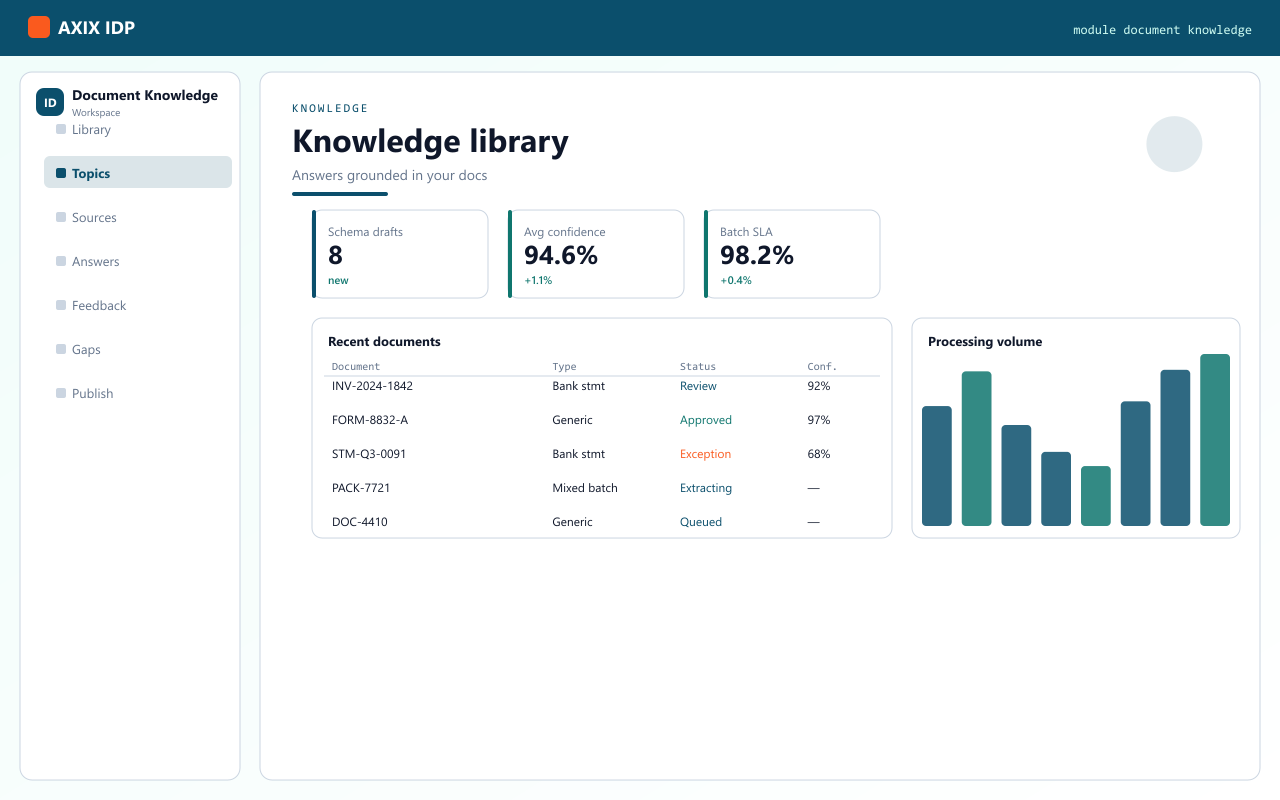
Document knowledge turns processed, reviewed packets into a Q&A surface. Ask about periods, parties, balances, or recurring exceptions — grounded in the corpus your team already signed off.
Document knowledge
Turn approved packets into searchable knowledge — ask about balances, periods, parties, and exceptions without reopening every PDF.

Part of Document knowledge inside AXIX IDP.
Part of Document knowledge inside AXIX IDP.
Part of Document knowledge inside AXIX IDP.
Part of Document knowledge inside AXIX IDP.
Part of Document knowledge inside AXIX IDP.
Part of Document knowledge inside AXIX IDP.
Part of Document knowledge inside AXIX IDP.
Part of Document knowledge inside AXIX IDP.
How this module connects to upload → read → classify → extract → review.
Bring PDFs and scans into AXIX IDP — single files or mixed batches — and choose bank-statement or generic presets. Document knowledge stays available as the packet moves.
AXIX IDP reads each page so text and layout become usable for classification and field work. Document knowledge stays available as the packet moves.
Documents are typed and routed so the right schema and review path apply — statements vs. generic forms. Document knowledge stays available as the packet moves.
Fields, tables, and repeating rows are pulled into structured results ready for human confirmation. Document knowledge stays available as the packet moves.
The review dashboard surfaces confidence, exceptions, and ownership so ops and analysts can sign off. Document knowledge stays available as the packet moves.
Grounded
“Answers point back to the packets you trust.”
“Month-end questions hit the knowledge corpus — not a scavenger hunt through folders.”
Related modules
AXIX IDP modules share status, presets, and review ownership — so switching surfaces never loses the packet.
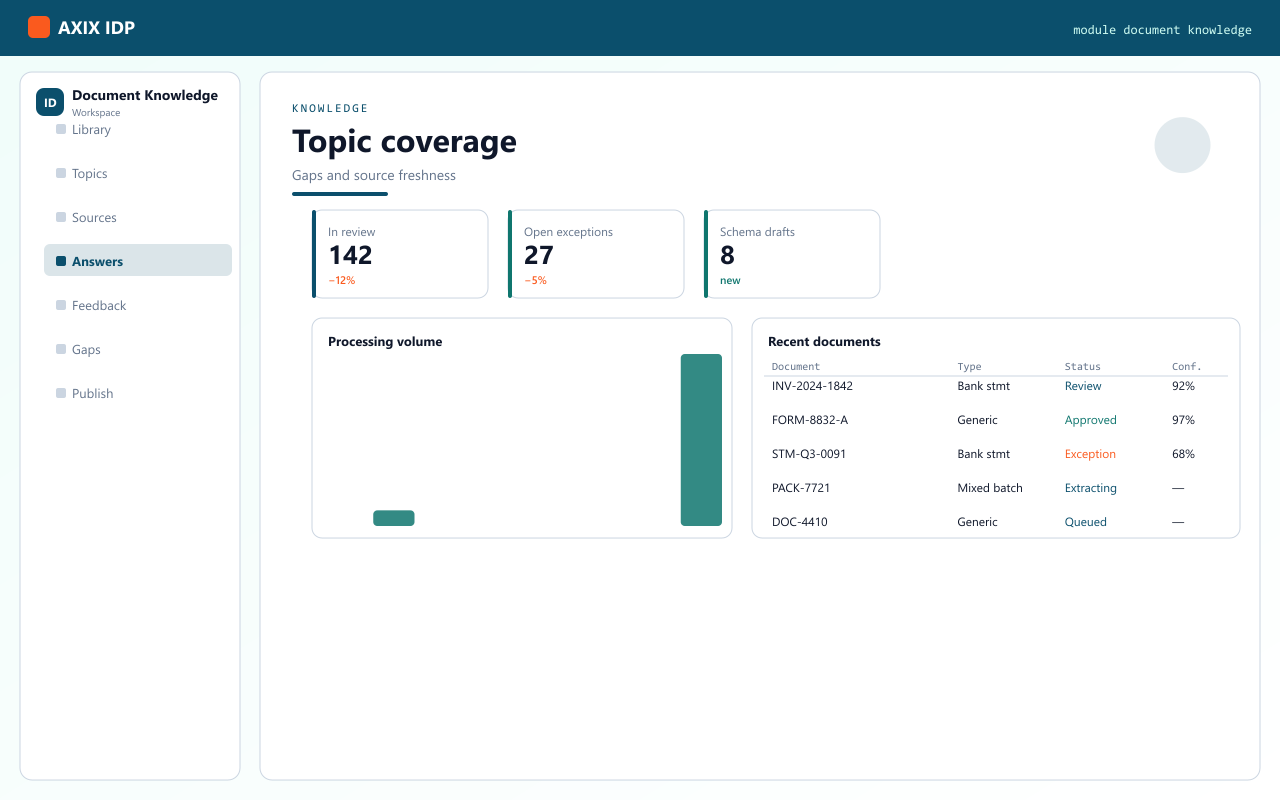
Knowledge is oriented to the processed and reviewed corpus so answers stay aligned with what your team trusts.
From the product overview
AXIX IDP is Axix Technologies’ Intelligent Document Processing workspace: teams upload PDFs and similar packets, the system reads and classifies them, extracts structured fields (including tables), and reviewers validate results in a web dashboard — with optional page-quota integration against the Axix customer portal. On this page, Document knowledge stays on that same path so products document knowledge never becomes an orphan folder.
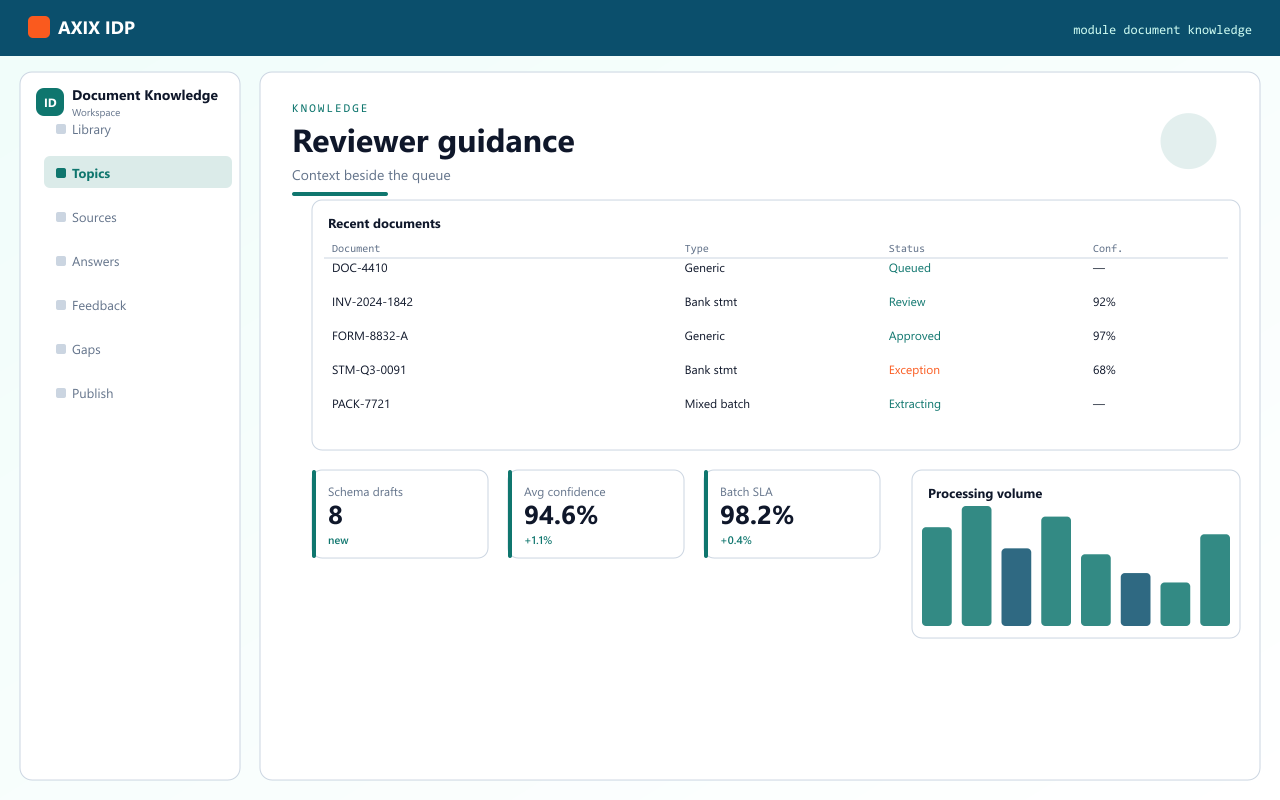
Three roles from the product brief — same workspace, different first clicks.
Digitize bank statements, invoices, forms at scale — Upload starts the pipeline; Documents tracks progress.
Check extracted fields, fix gaps, export results — open status, classification, and field grids in Documents.
Configure schemas, settings, and access — Schema Discovery for new types; Settings for portal linkage and capacity.
The same first path the product overview recommends — adapted for every marketing route.
After login you get AXIX IDP with left navigation: Documents, Upload, Schema Discovery, Settings, plus knowledge and agent chat where enabled.
Send one or more PDFs to start the pipeline. Track progress from the Documents list while reading, classification, and extraction run.
Open a packet for status, extracted fields, classification, and page artifacts. Reprocess or remove items when needed; export when fields are trusted.
Use Schema Discovery when onboarding a new document type. Admins use Settings for portal / account linkage and processing preferences — including page limits against the Axix portal.

I open a packet to check classification and extracted fields, fix gaps, then export. Review stays in the dashboard — not in email threads.
Institutional memory you can query — not a folder of forgotten scans. Start a free trial or talk to Axix about your document volume.